





































































Asset Discovery
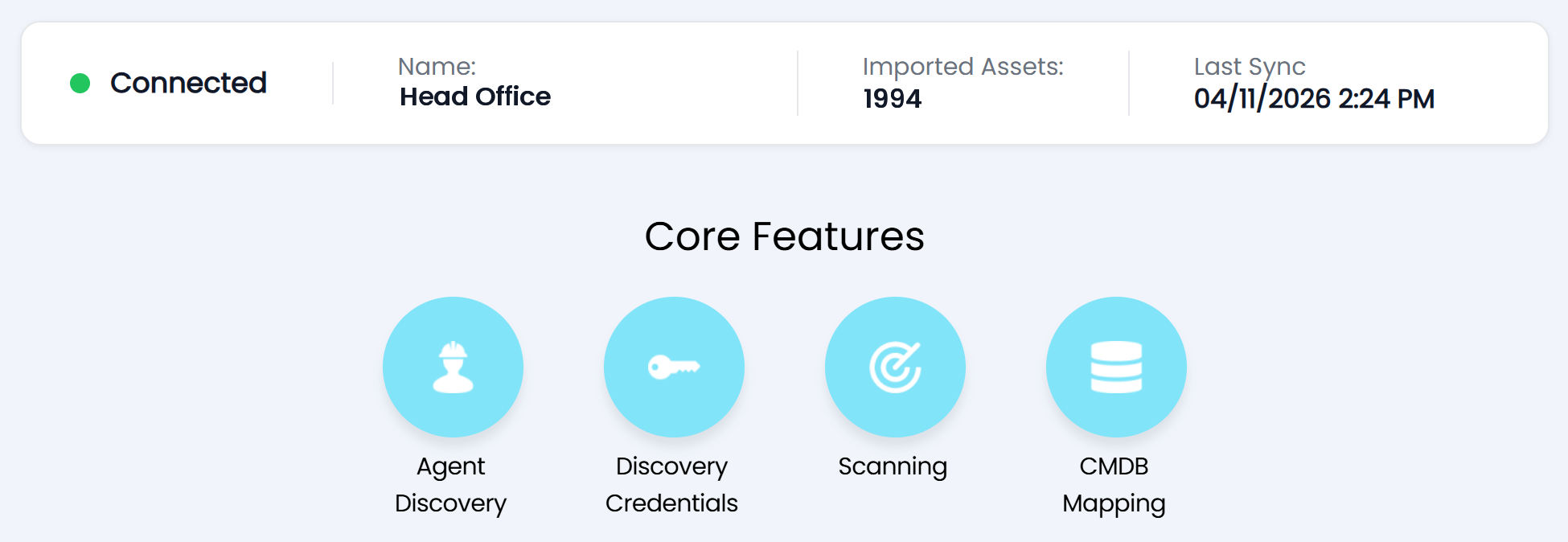
Halo's Discovery finds the devices and software on your network and keeps the CMDB up to date, from the same platform your teams already work in.











No Separate Console
Disocvery is configured and run inside Halo, and discovered assets go straight into the Halo CMDB. Halo provisions the connection to the discovery service for you, so there is no extra server to host, no connector to maintain and no second product for your team to learn.

Agent-based and agentless
Install the agent on Windows, MacOS and Linux devices so laptops are covered wherever they are. Link credentials to an agent and it scans the servers, switches and printers on its local network that can't run an agent themseleves.

Find the devices nobody recorded
Turn on network visbility and agents record every device they see on the local network by its MAC and IP address. Devices found this way are glagged as unknown until an agent or a credential scan fills in the detail, so gaps in coverage are visible rather than hidden.

Mapped straight into the CMDB
CMDB mapping uses the same configuration as Halo's other CMDB inegrations. User matching, site and asset type mappings decide where the device belongs, field mappings decide what is populates and status rules handle new, deleted and rediscovered assets.

Keep current without the chase
Changes reach Halo through webhooks as they are found. Records of the same device from more than one source are merged before they arrive, and cleanup rules retire assets that haven't that haven't been seen for a set period. The CMDB reflects what is actually on the network, without anyone updating it by hand.
Device identity and hardware
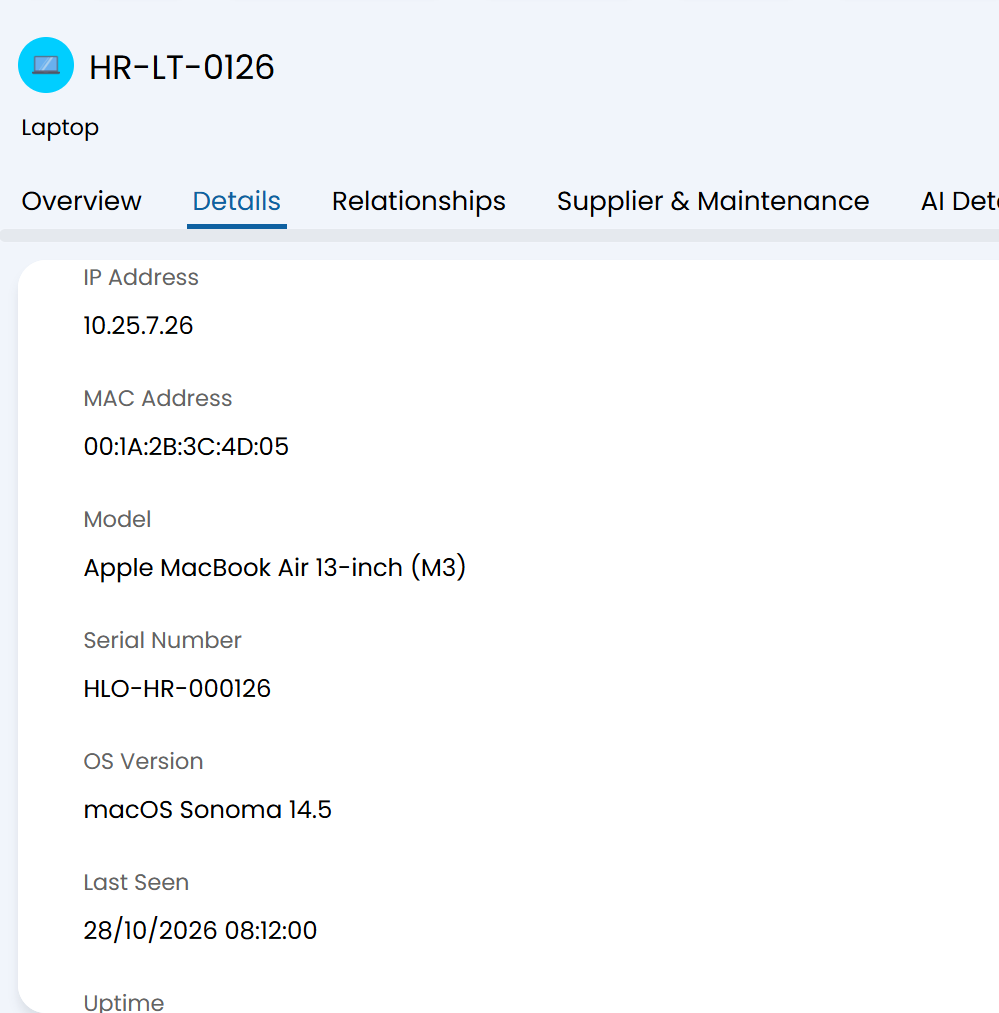
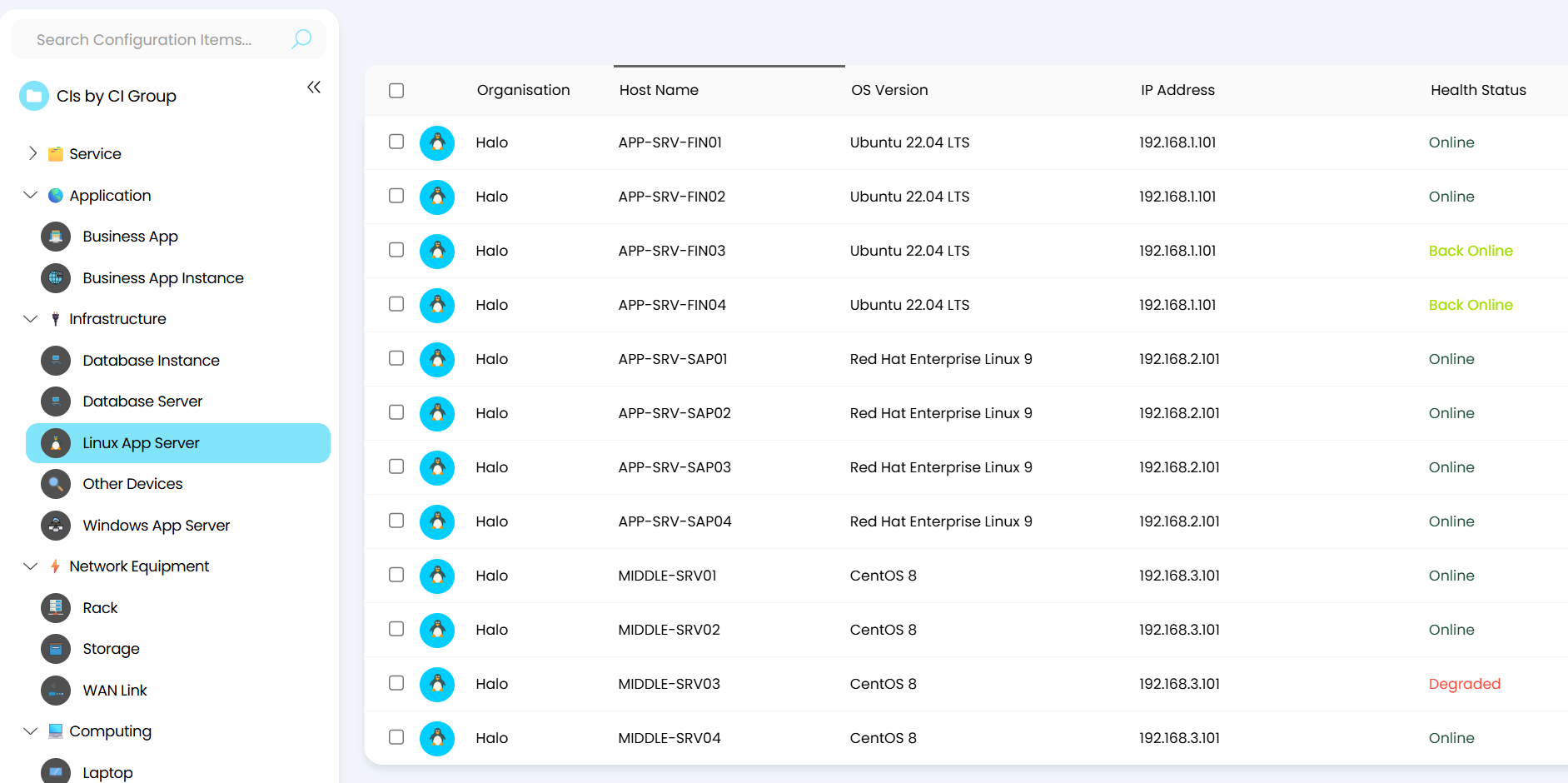
Every discovered device arrives with its hostname, domain, FQDN, IP and MAC address, make, model and serial number, along with processor, memory, storage and operating system version. Last seen date, uptime and antivirus are recorded too, so each asset record is populated and ready to use from the first scan.
Installed software and licenses
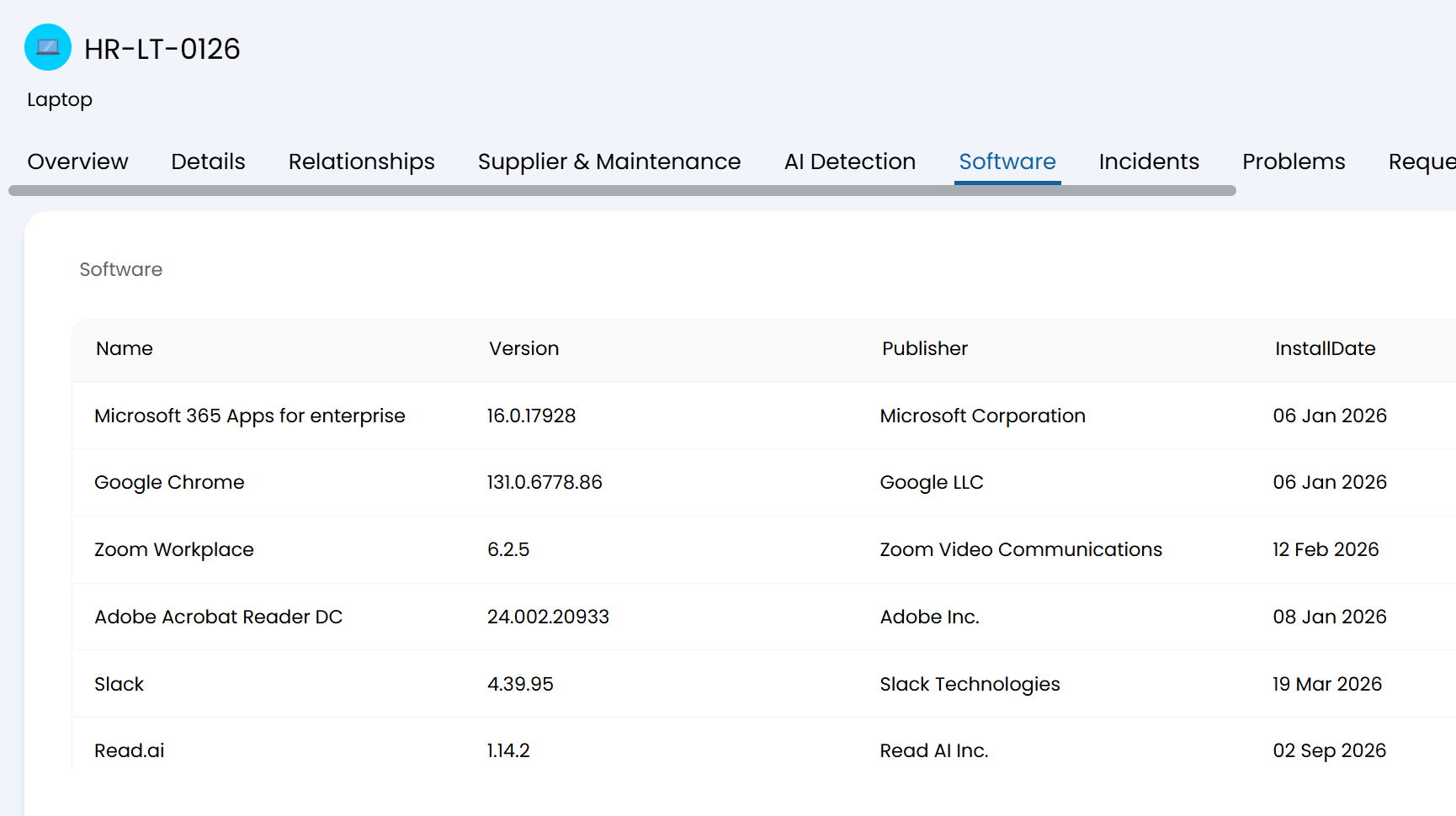
Installed applications are recorded against each device with their version and install date, and normalised into the Halo Software Licences area. Publisher names are tidied as they come in, so variations of the same vendor count as one. Licence entitlement and usage reflect what is actually installed, and the list can be exported to CSV.
Detail tables on every asset
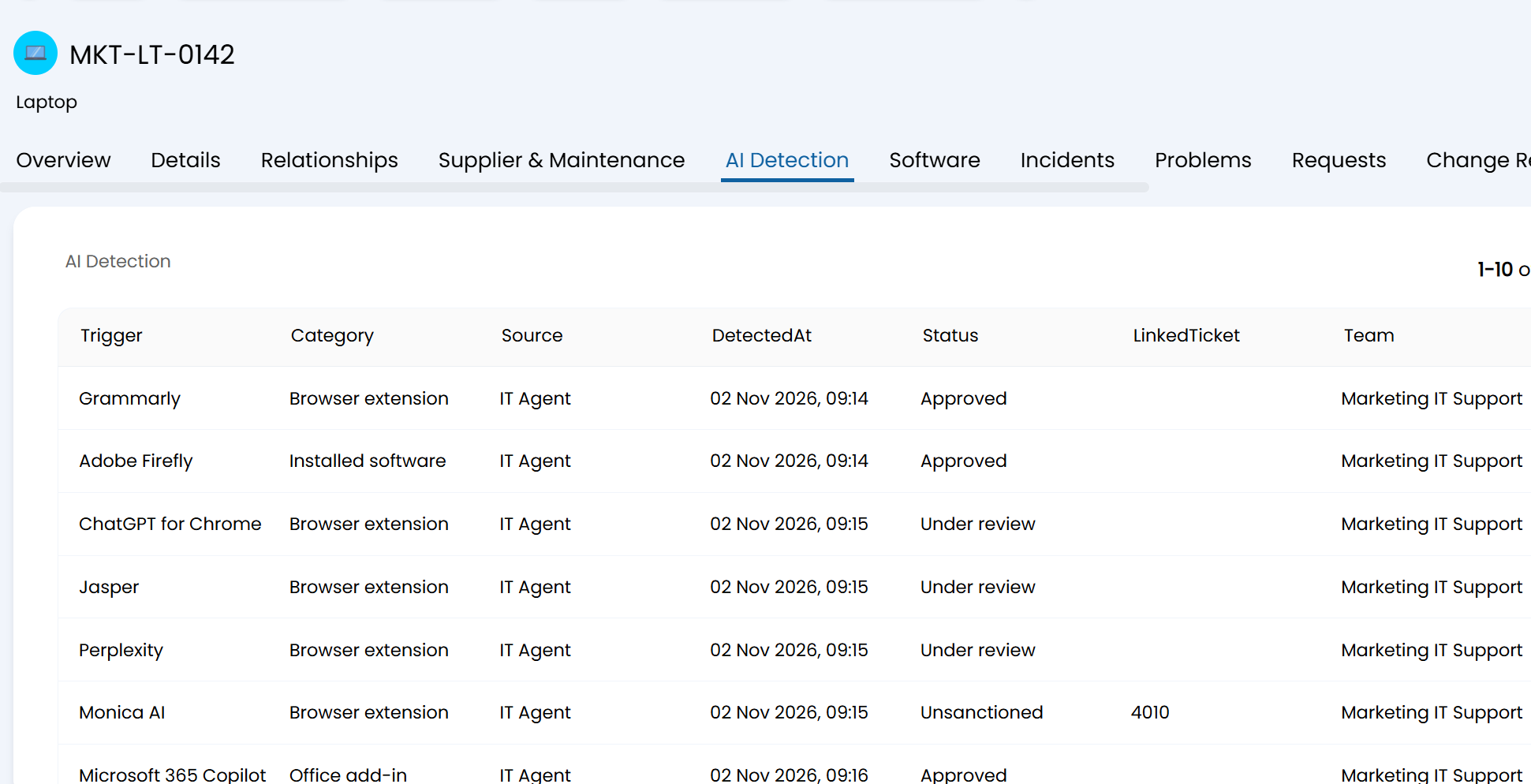
Halo’s Discovery captures detailed information against each asset, with six dedicated tabs for antivirus software, network adapters, AI detections, mapped drives, hard disks and certificates. Each tab displays the individual records discovered on the device. These records are read-only, ensuring the data remains an accurate reflection of what was discovered.
Severs and network equipment
Halo’s Discovery can identify servers and network equipment, including Windows, Linux and macOS devices, switches, routers, firewalls and printers. Credentialed scans allow Discovery to capture more detailed information, including hardware, operating systems, installed software, services and network configuration, without requiring an agent to be installed.
Scanning on your terms
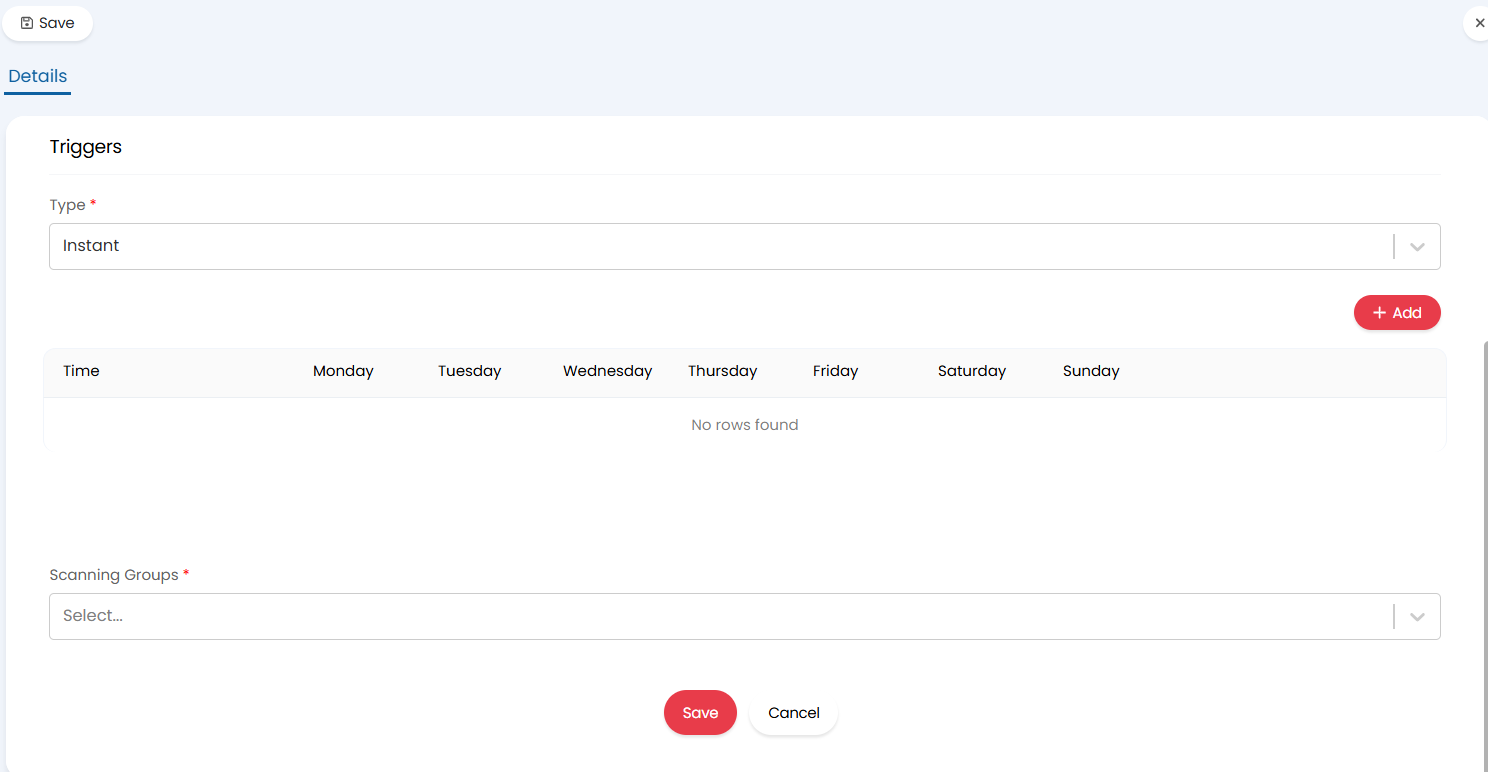
Scanning tasks target IP addresses or ranges, Active Directory domains or organisational units, with individual addresses excluded where needed. Schedules run every few hours or at set times on chosen days, and scanning groups carry maintenance windows so scans only run when it suits the business.
More than one site or instance
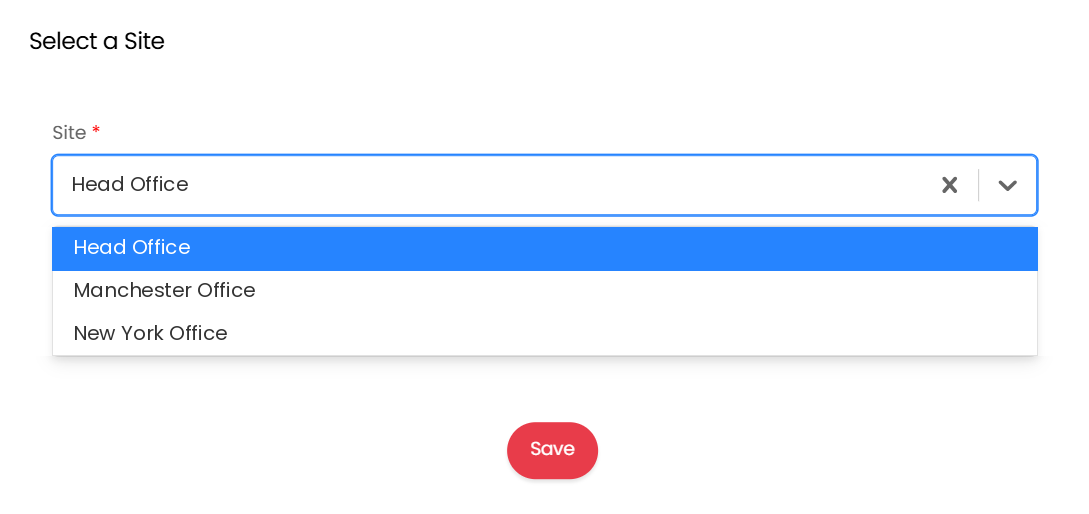
Connect several sites and switch between them from a single view. CMDB mapping configuration is config-tracked, so it can be pushed between Halo instances and the same site can feed more than one instance.
Simple to deploy at scale
Agents can be installed individually or deployed centrally using tools such as Group Policy or Intune. Updates can be scheduled across groups of devices, with minimum version requirements helping to keep agents up to date.

Credentials stay on your network
A credential entered in Halo is encrypted with the agent's public key before it is sent, so only that agent can read it. It is held in an encrypted vault on the agent itself, not in the cloud, and saved passwords are never shown in plain text.

Outbound only
Agents need outbound access on TCP 443 and nothing inbound. Halo provides the service hostnames for your region so they can be added to firewall and proxy allowlists.

Your choice of data region
Choose EU or US hosting when a site is created. Discovered data is stored and processed in that region, encrypted in transit and at rest, and asset records are stored in your Halo instance.
Least privilege by design
Windows scanning works with a non-administrative account in the right groups, SSH scanning uses read-only commands without root, and SNMP needs only a read-only community string or a v3 user.

Runs alongside what you have
Existing asset and CMDB integrations continue to work as normal. Where multiple sources provide information about the same asset, Halo’s Reconciliation Engine allows you to define which source takes priority for each field.

See where AI is in use across your estate
The AI detections table on each asset shows the AI tools and services found on that device: installed AI applications, browser extensions and IDE plugins, connections to AI services, locally running models and AI API keys held in configuration. Conversation content is never collected. IT and security teams get a factual view of AI usage that they can act on through the usual service and change processes.
Better data behind every recommendation
AI in service management is only as reliable as the records it draws on. Duplicate CIs, missing devices and stale details all weaken routing, impact analysis and suggestions. Discovery keeps the asset layer of the CMDB complete and current, giving Halo AI an accurate picture of the estate to work from.

Halo’s Discovery brings agent-based and agentless asset discovery into Halo, so devices and software are found, mapped into the CMDB and kept up to date. This white paper looks at why asset data drifts, what good discovery looks like, and how Halo’s Discovery keeps records current.
Download your copy to find out more.
Receive complimentary access to the white paper here
Thank you! Your submission has been received!
Oops! Something went wrong while submitting the form.
FAQ Question 1

FAQ Answer 1


Full asset visibility with Halo
See Discovery map your estate into the Halo CMDB. Already using Halo? Speak to your CSM to have Discovery activated.